Getting started
Dawnwalker New Game+: unlock it after the Epilogue
Start New Game+ from your completed save and check when your old skills and inventory return.
Finish the Epilogue first
Rebel Wolves' update 1.2 adds New Game+ on PC, PS5 and Xbox Series X|S. Complete the Epilogue to unlock it, then select New Game+ from the main menu and choose the base save and difficulty.
Your inventory returns during the prologue
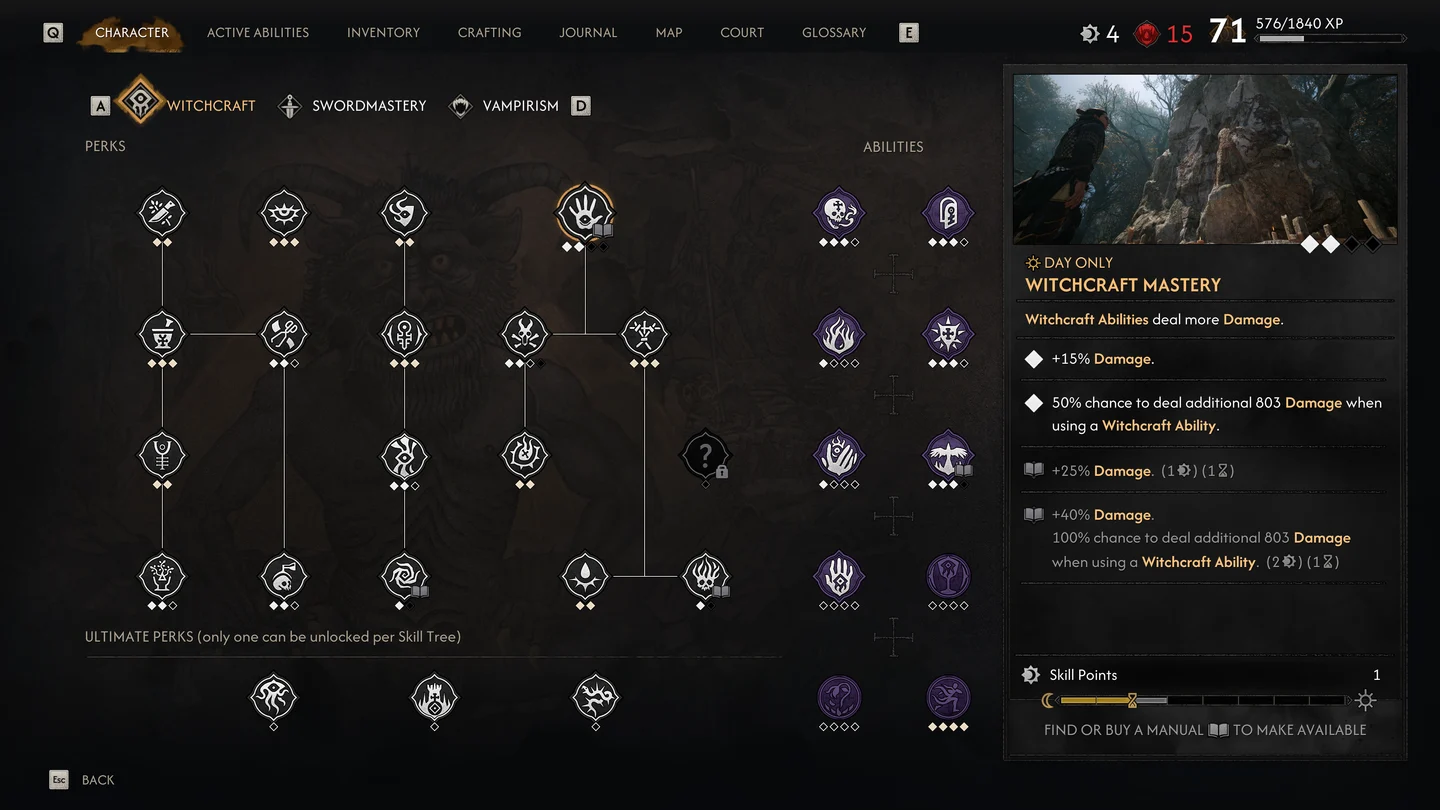
The new run begins from the start, with your carried-over perks and inventory becoming available at the beginning of Withering Away. Their absence during the opening scene therefore does not by itself mean the transfer failed.
Check the new equipment labels
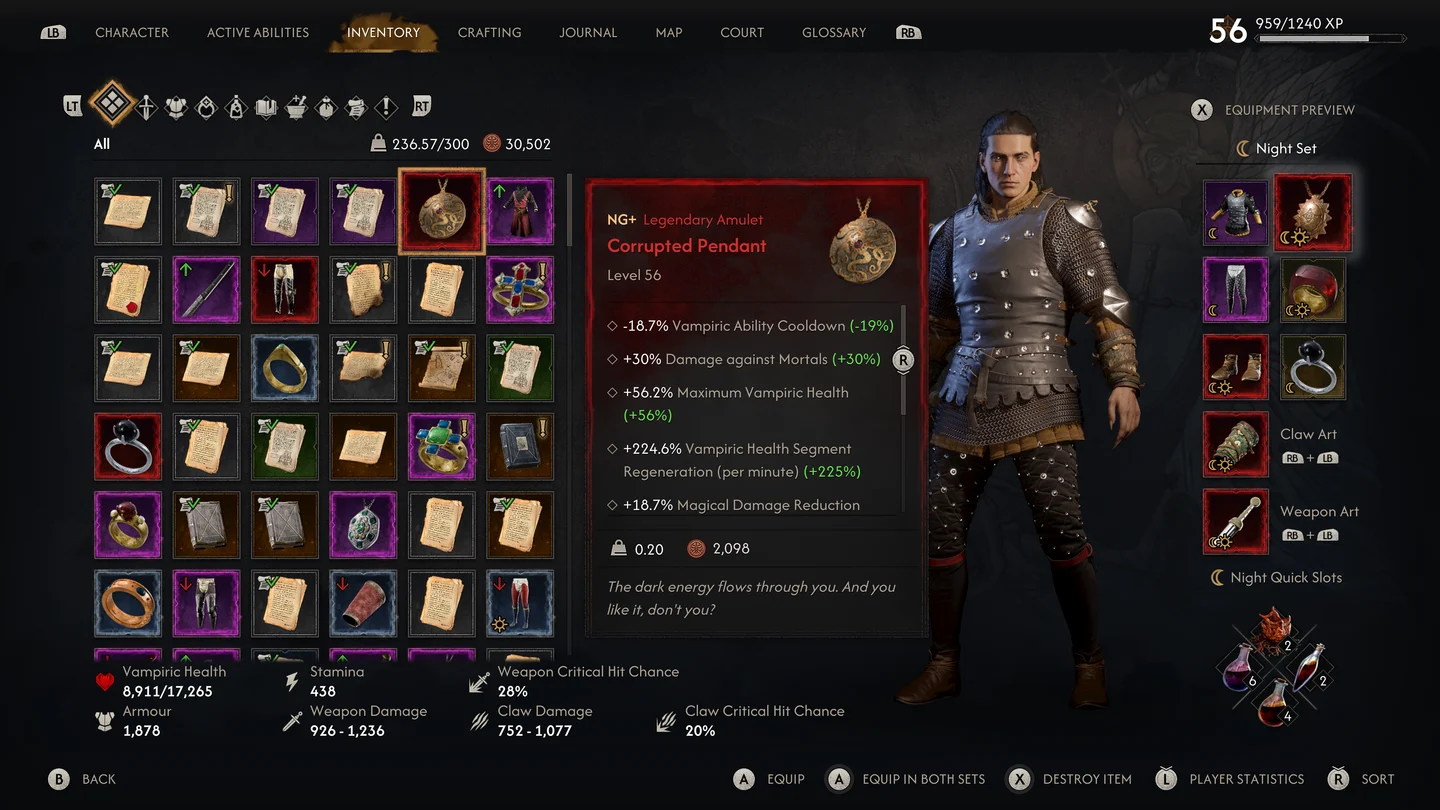
The level cap rises to 100, zone scaling is removed and enemies are adjusted to your level with additional damage scaling. New versions of armour, swords and accessories retain familiar names and icons but have updated stats, new frames and NG+ labels; legendary versions use a red frame. Check those labels before assuming matching names mean identical equipment.
Check the sources
These sources support the information above, checked on 27 November 2026. Community tools are identified where used, while our advice and page organisation are our own.
Read our checking and spoiler rules